
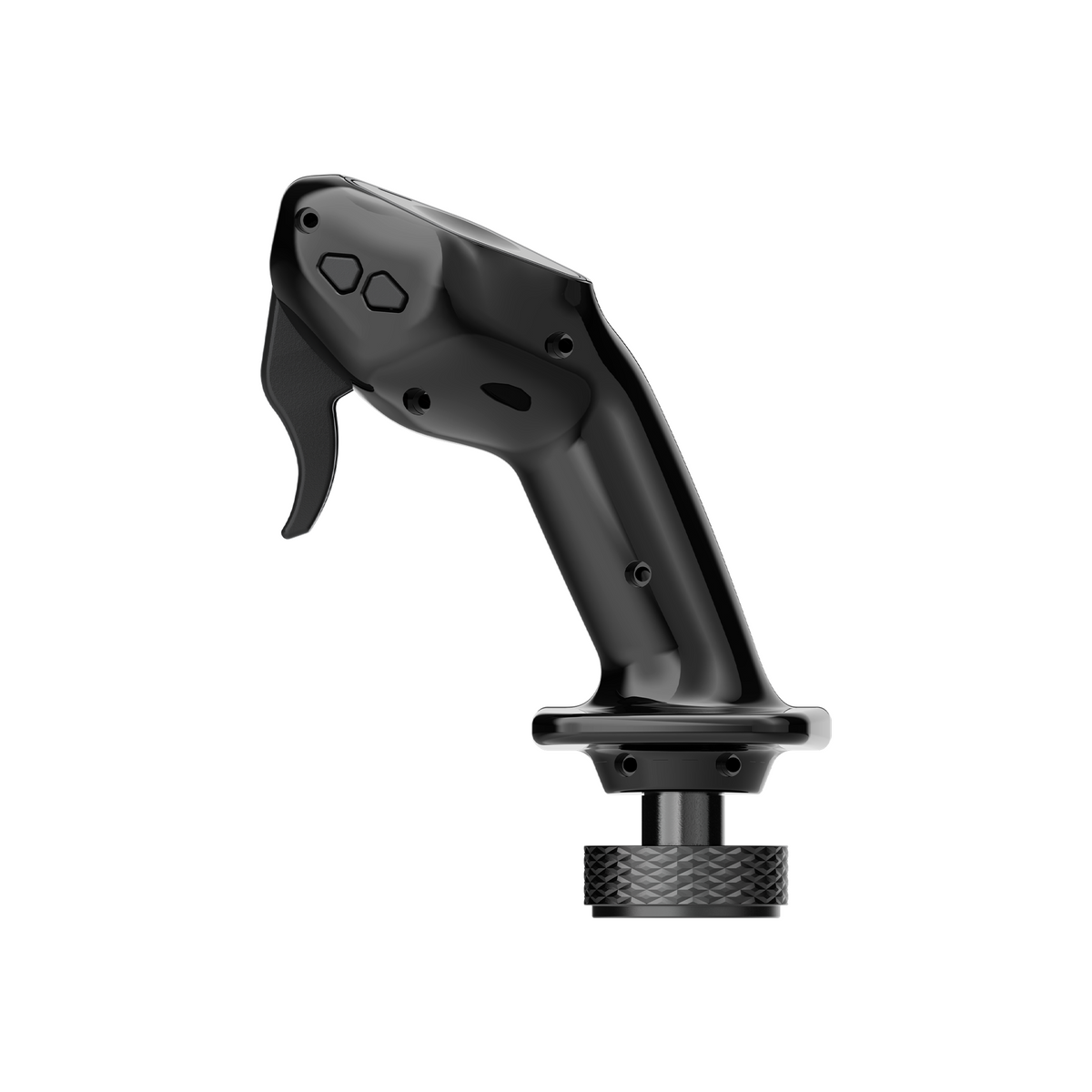
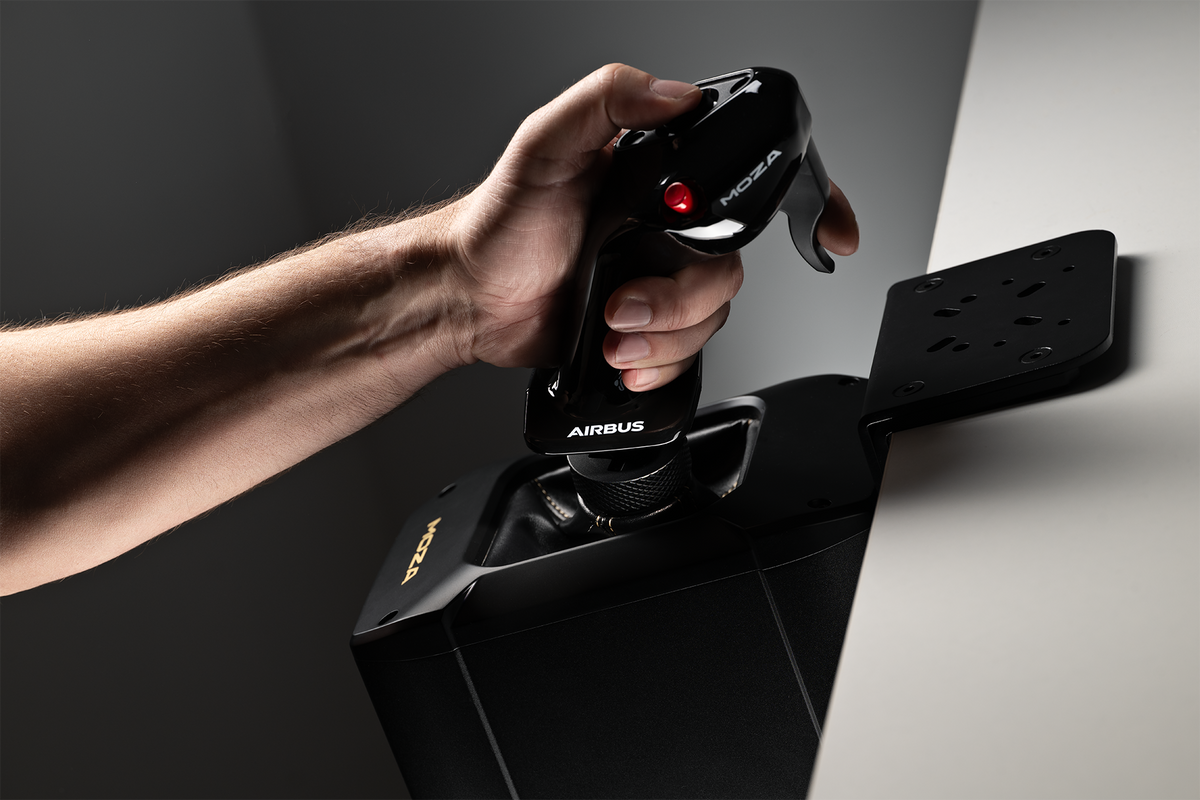
MOZA Airbus MA3F Sidestick
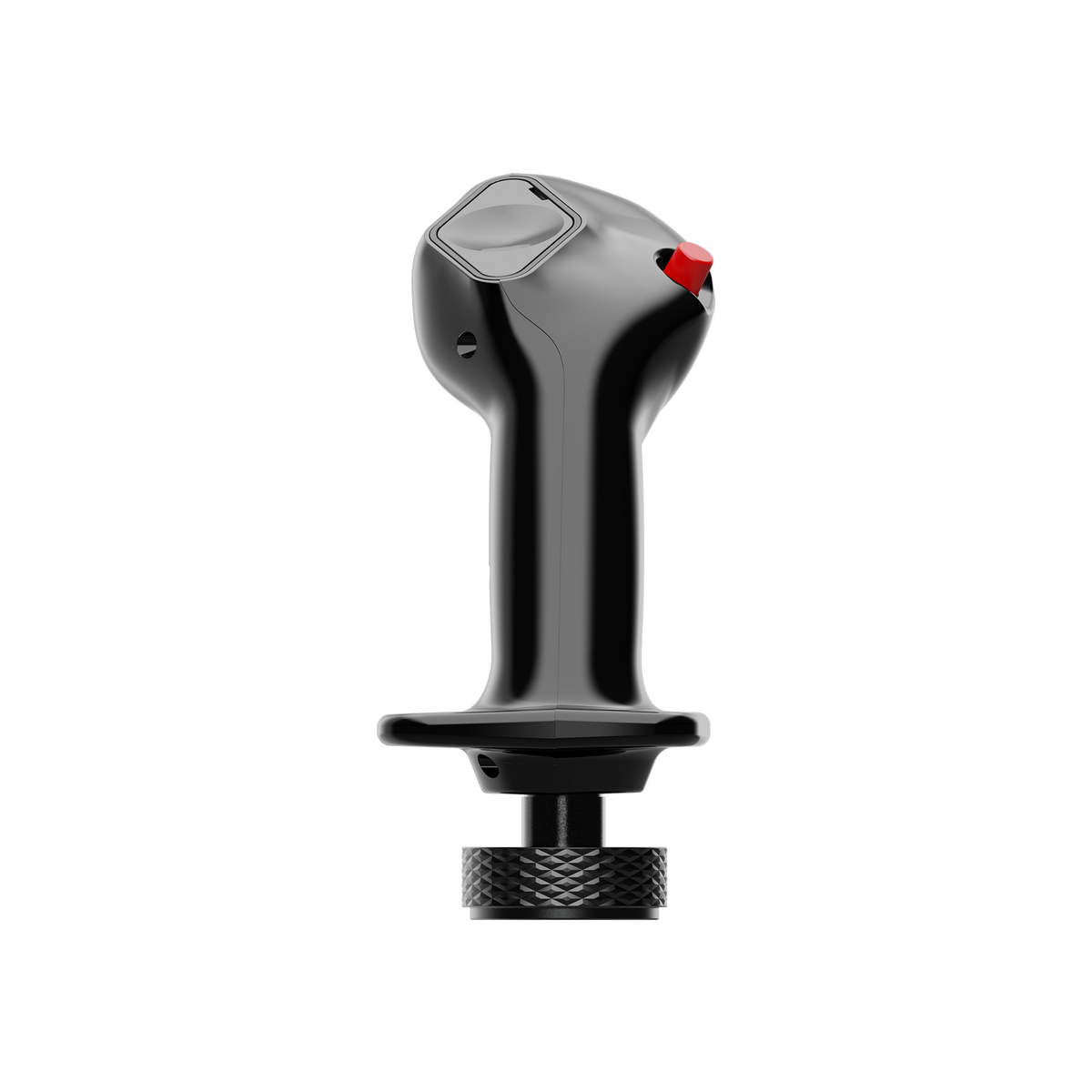
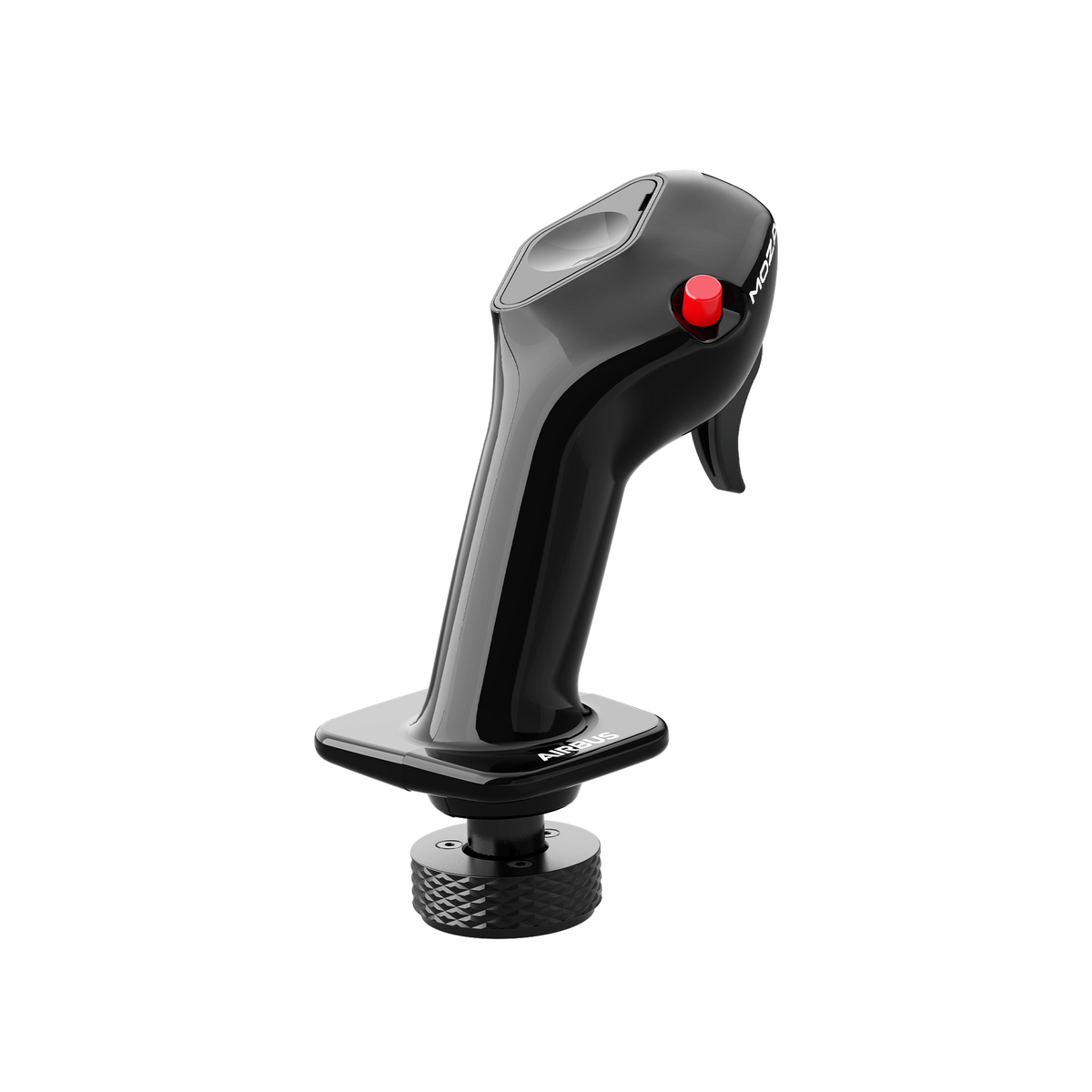
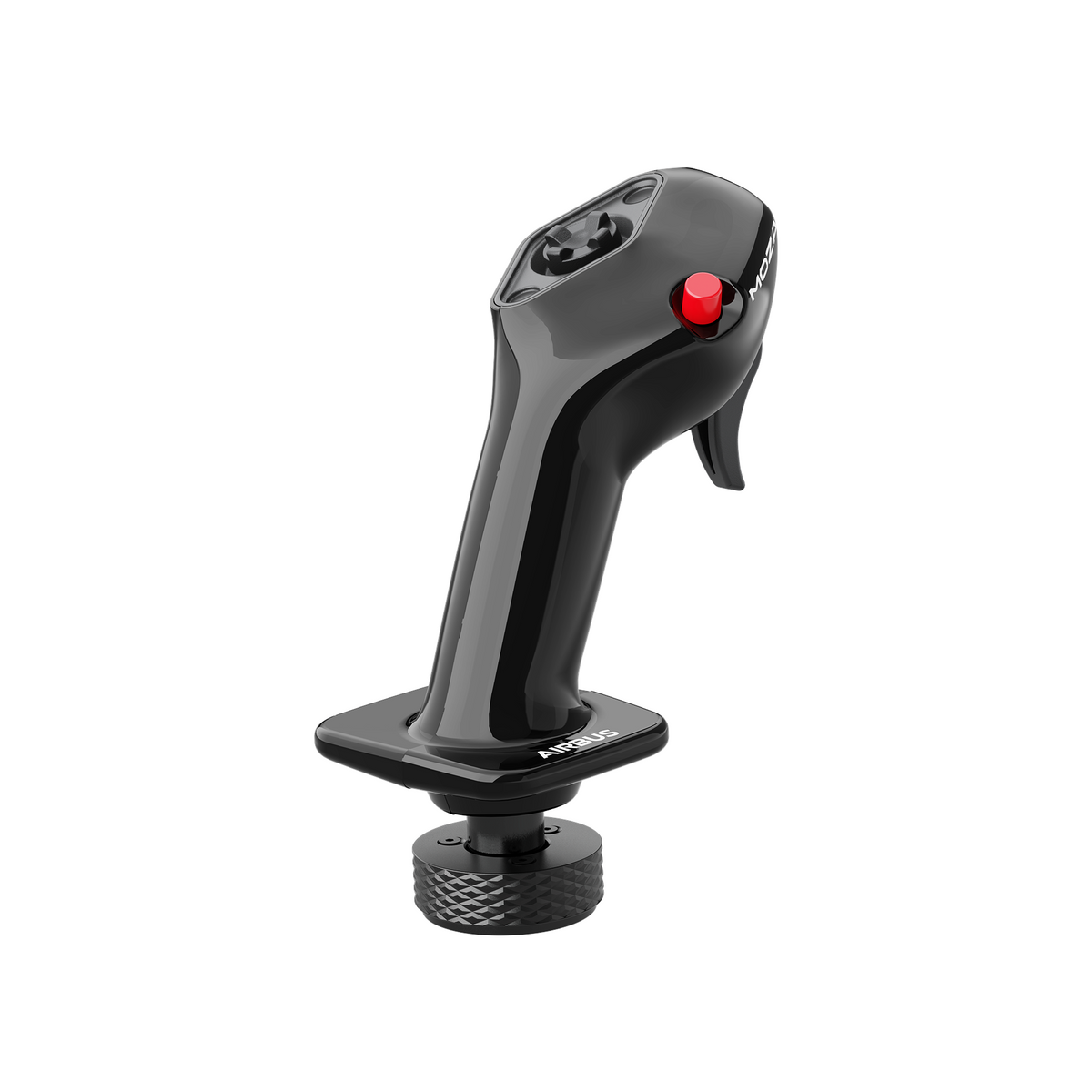
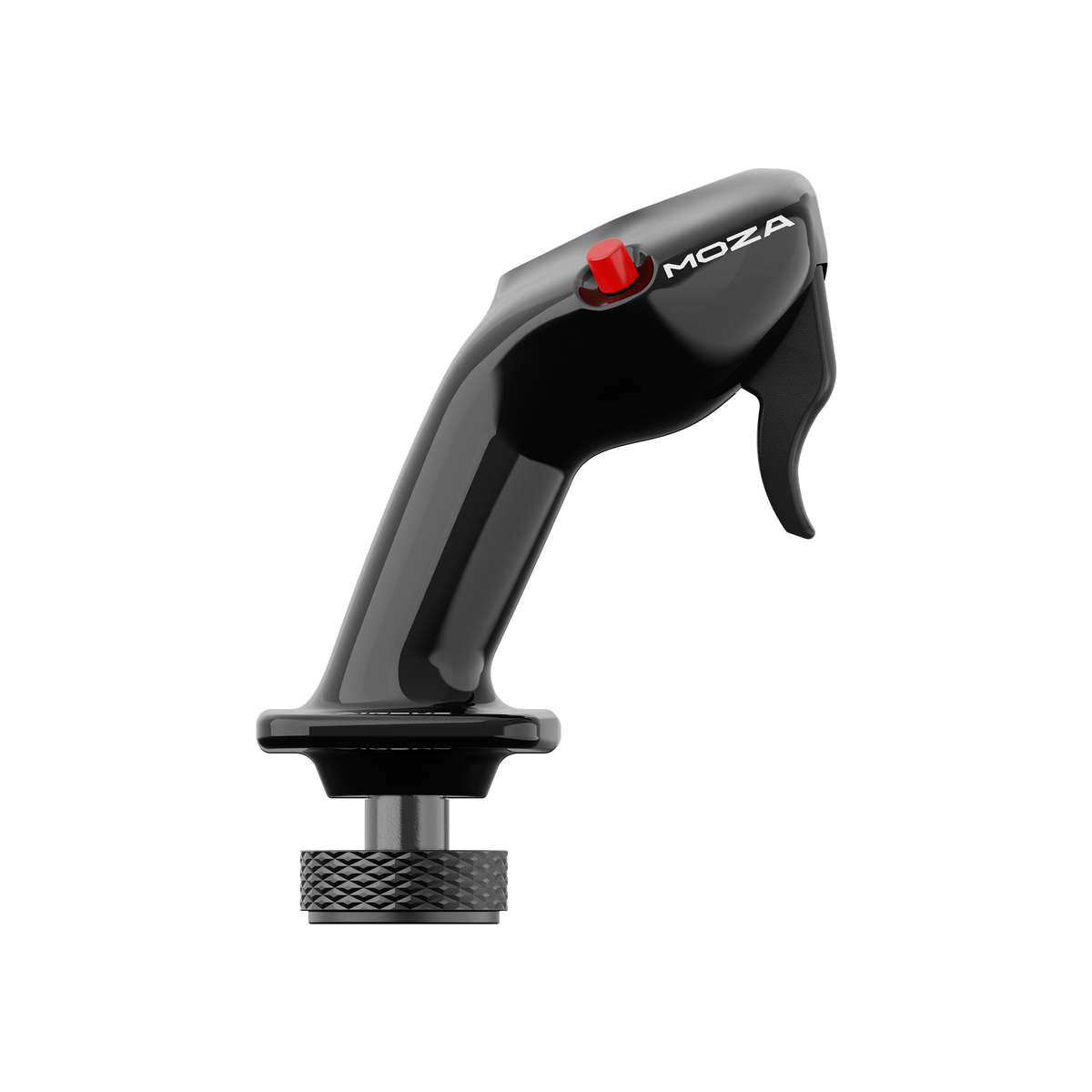
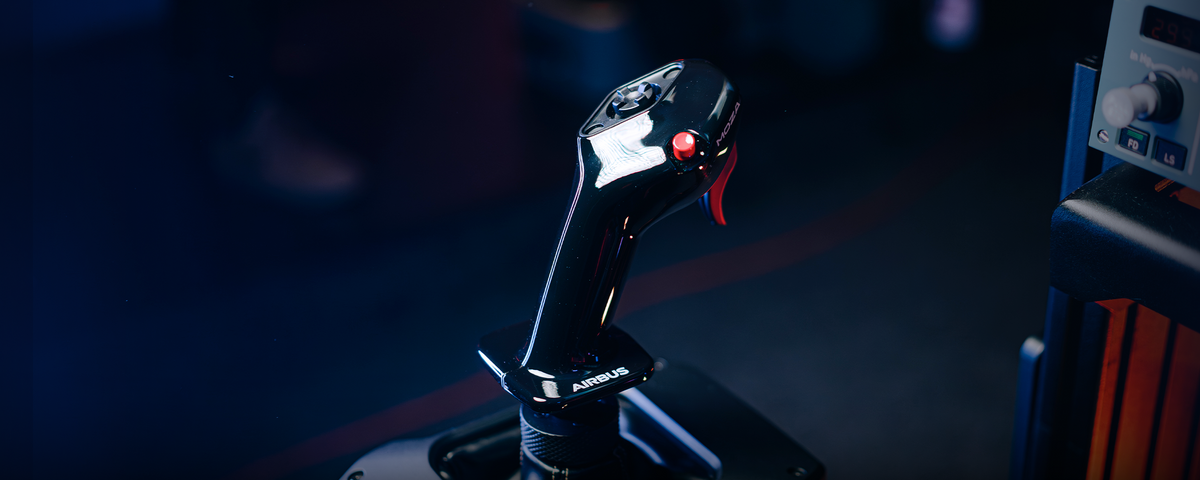
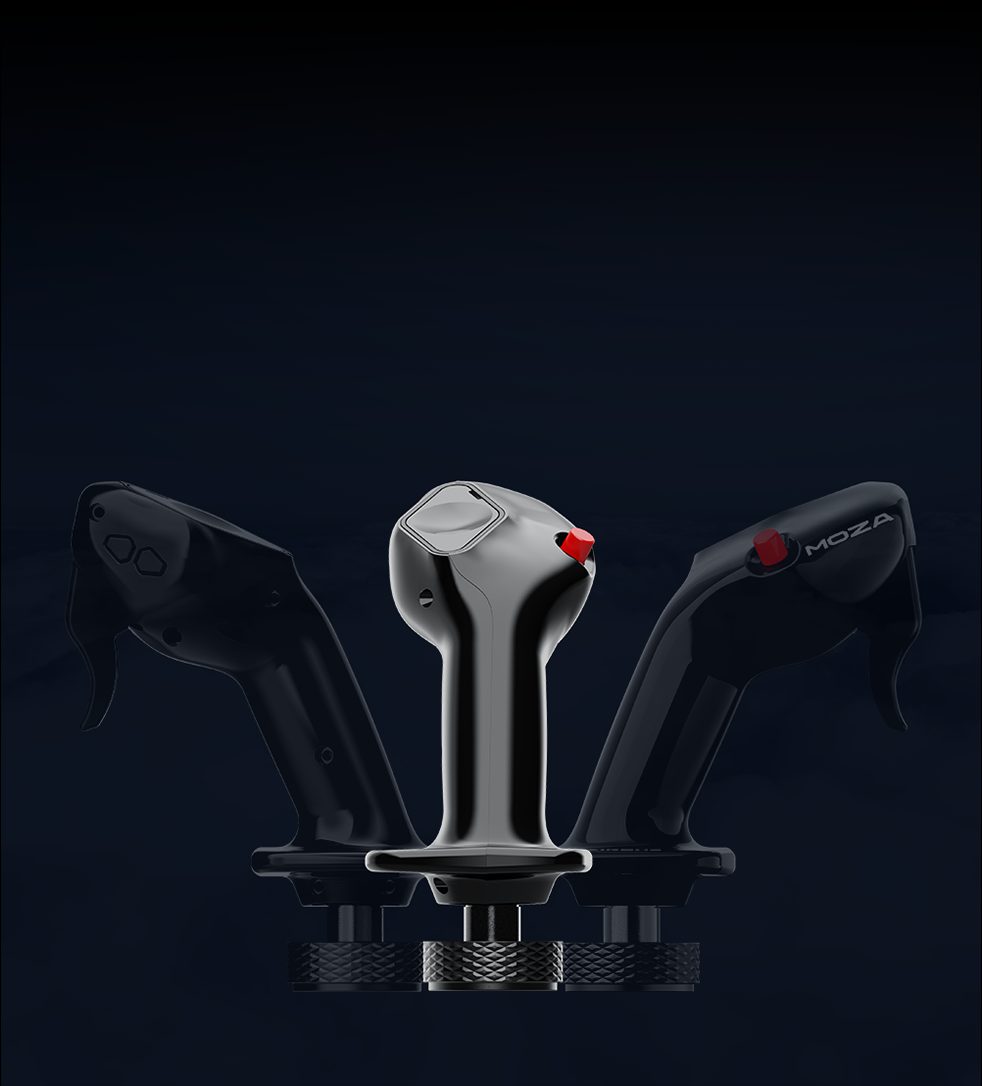
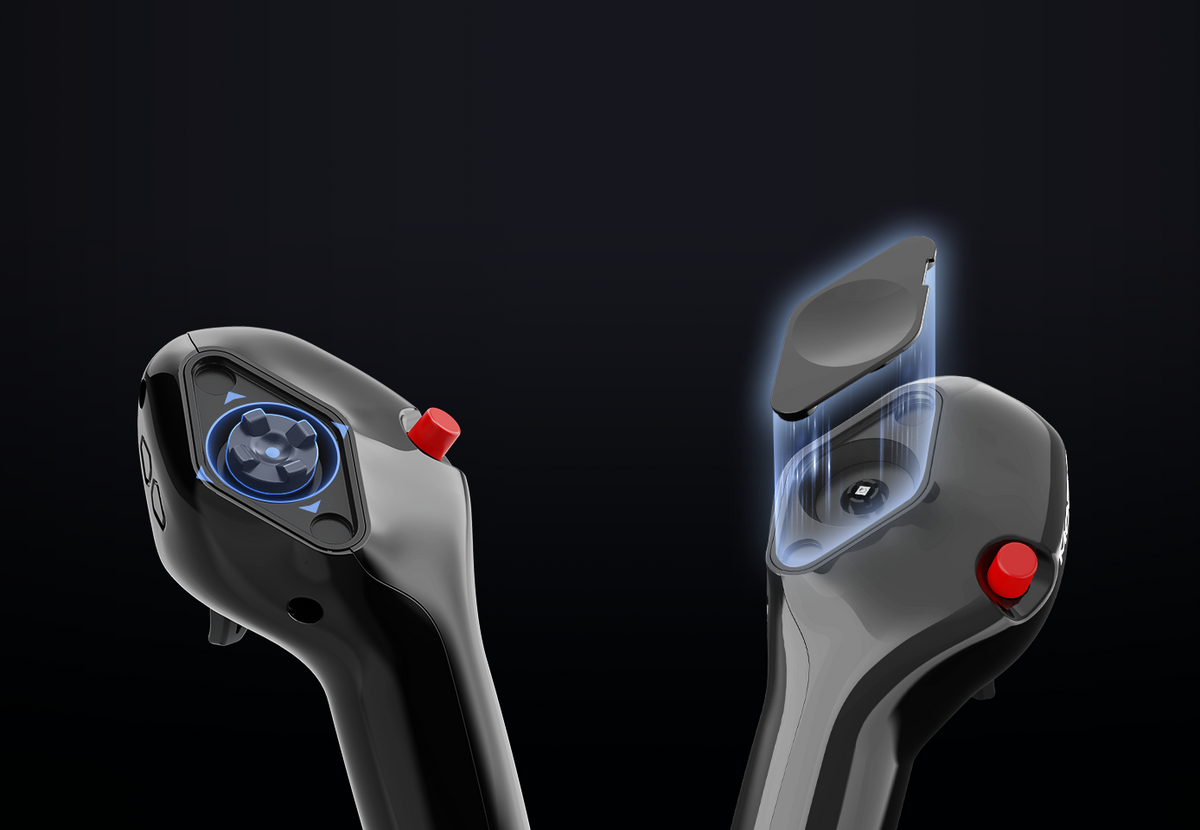
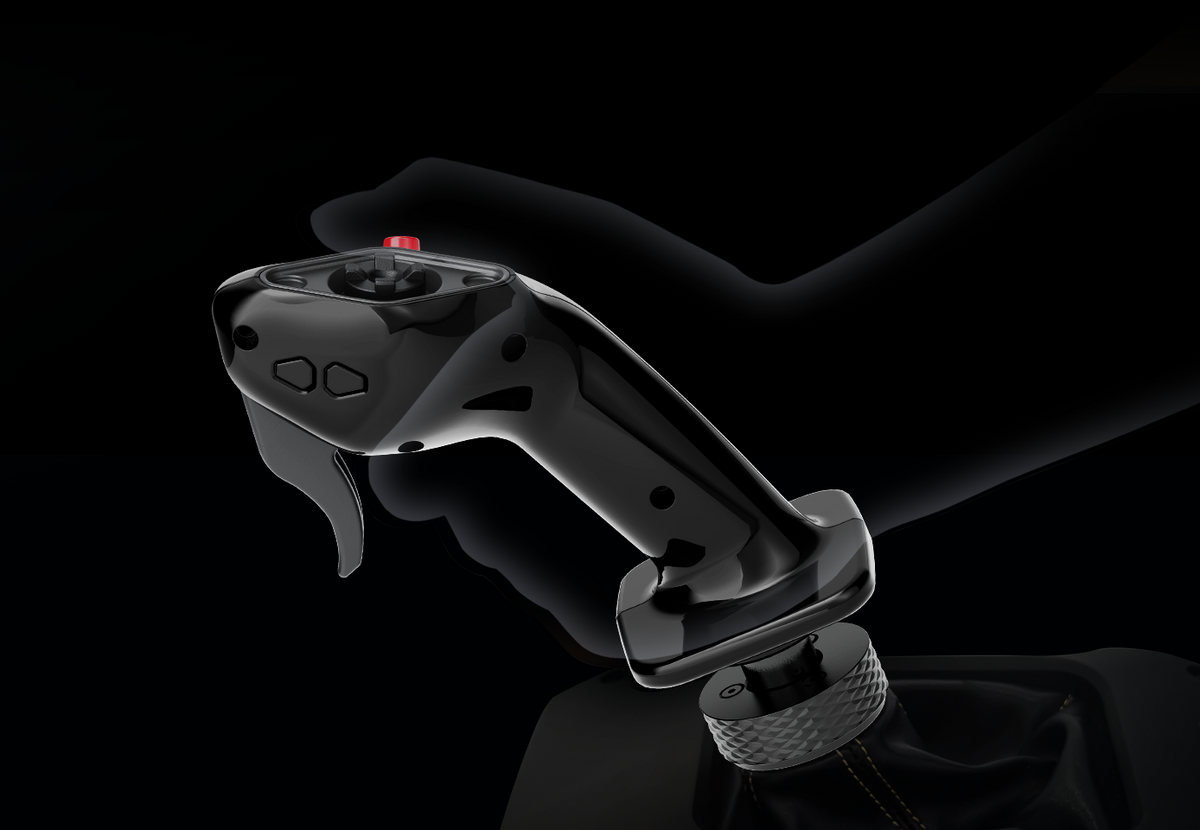
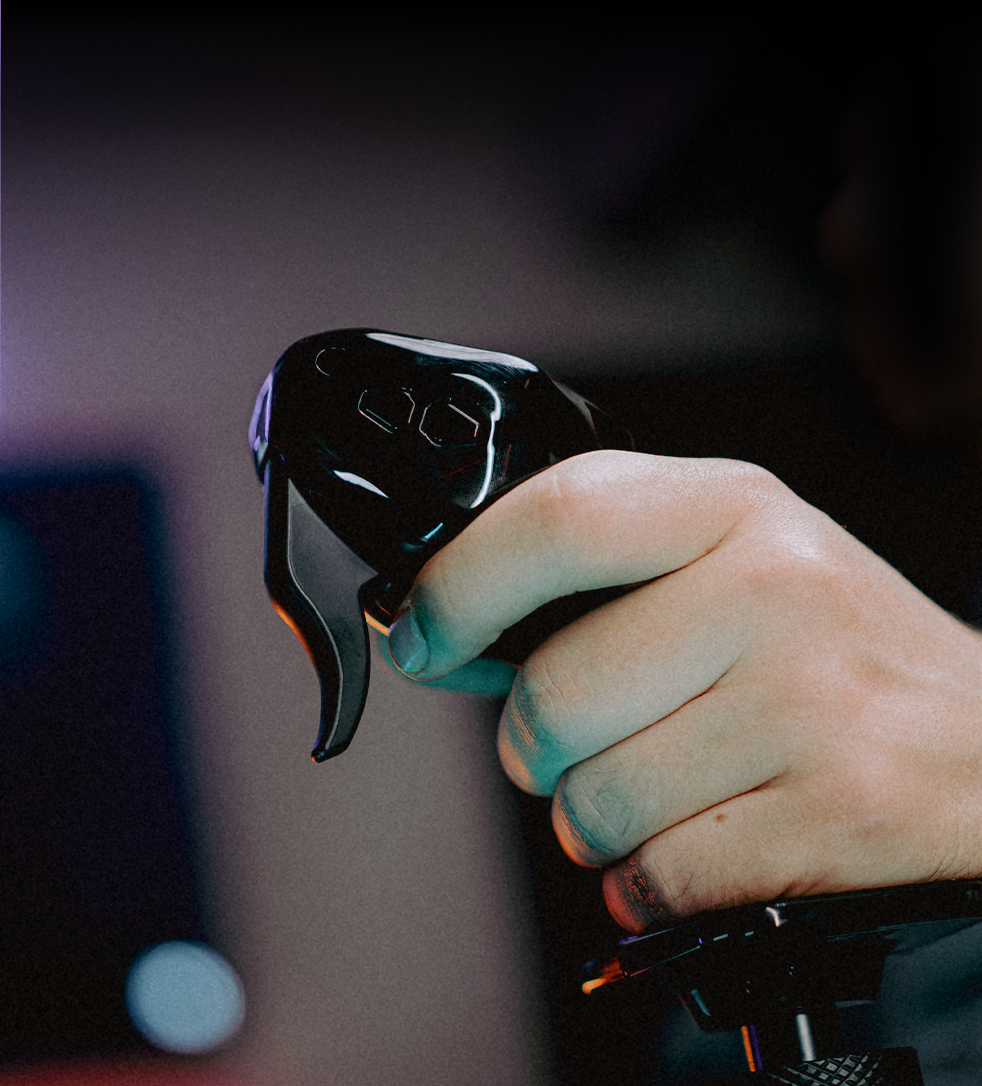
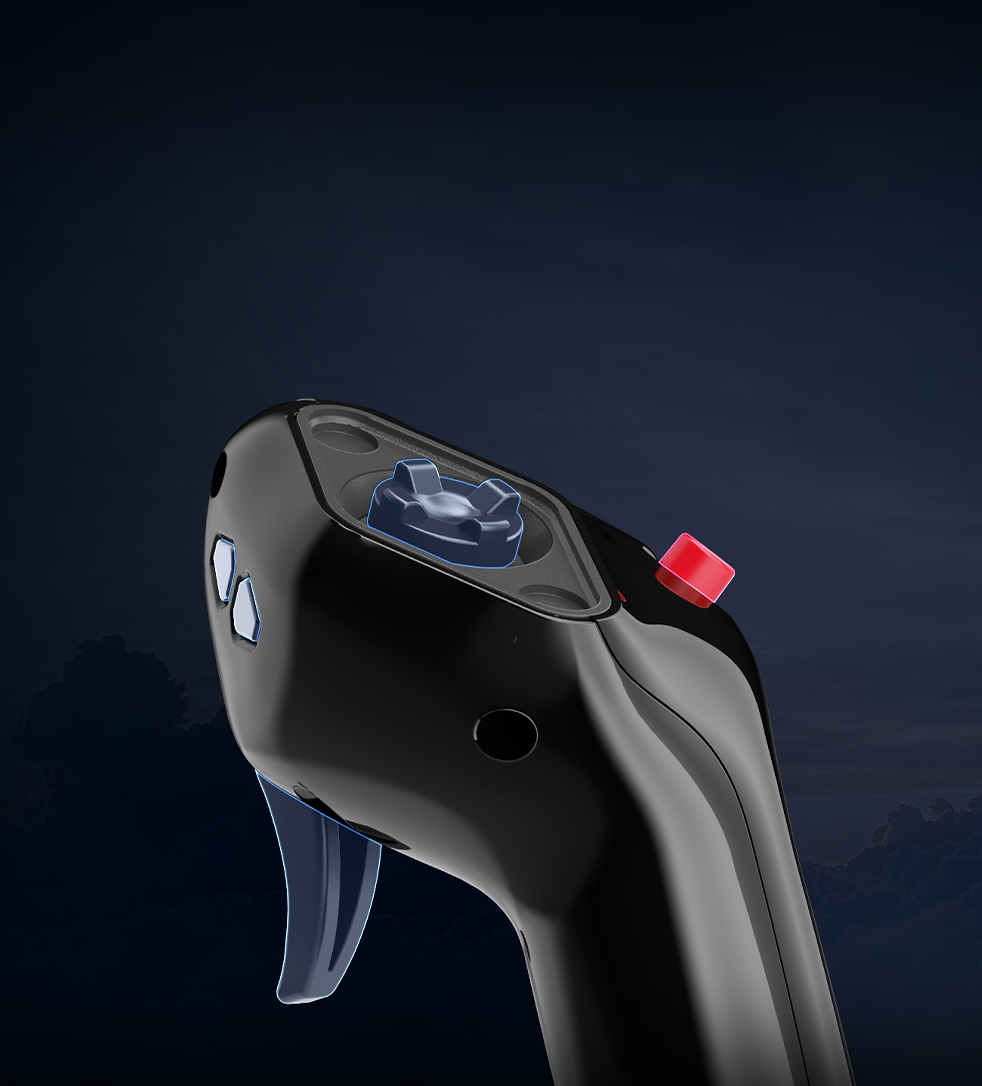
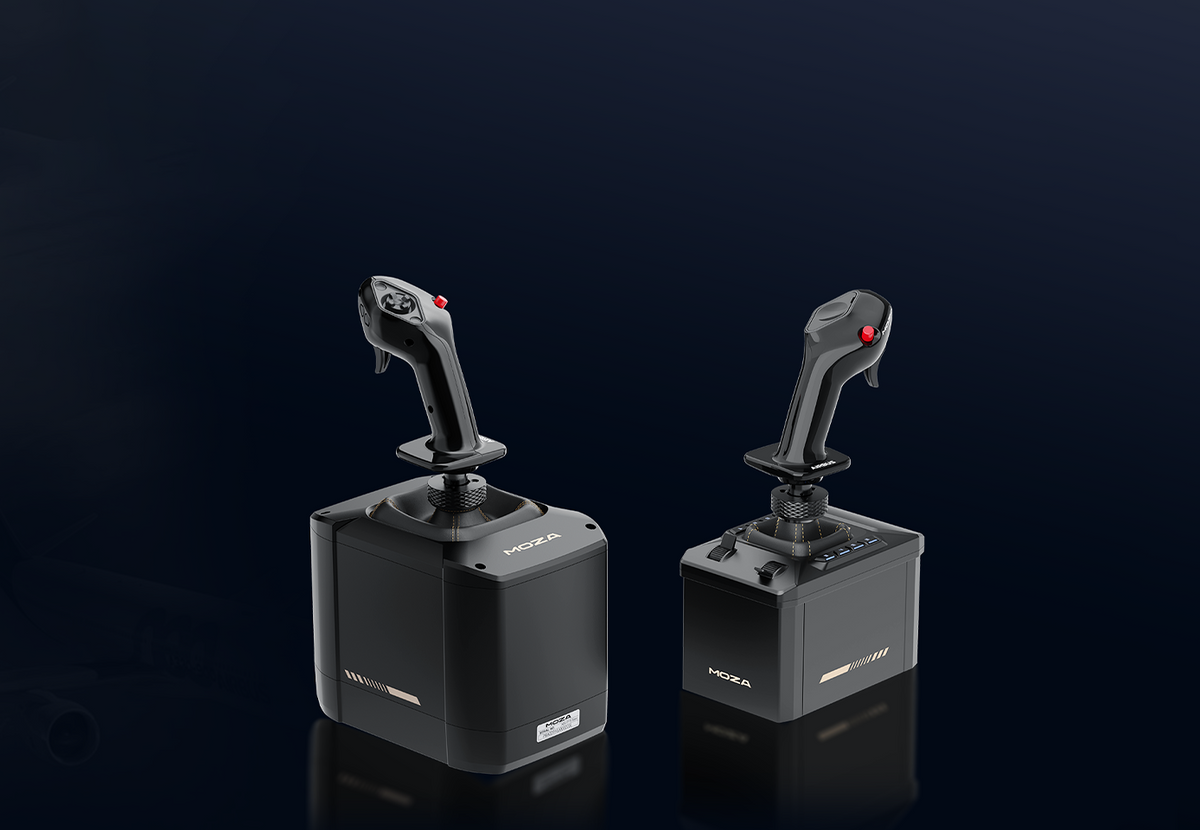
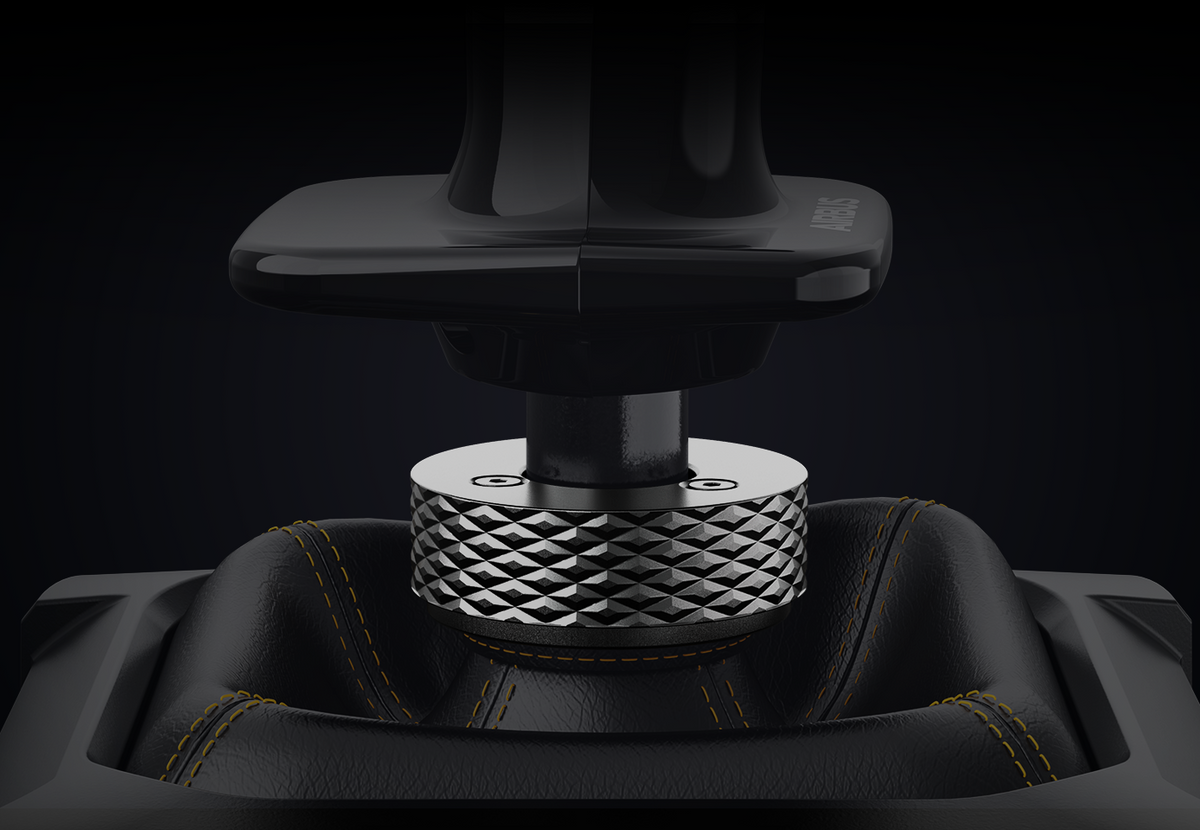
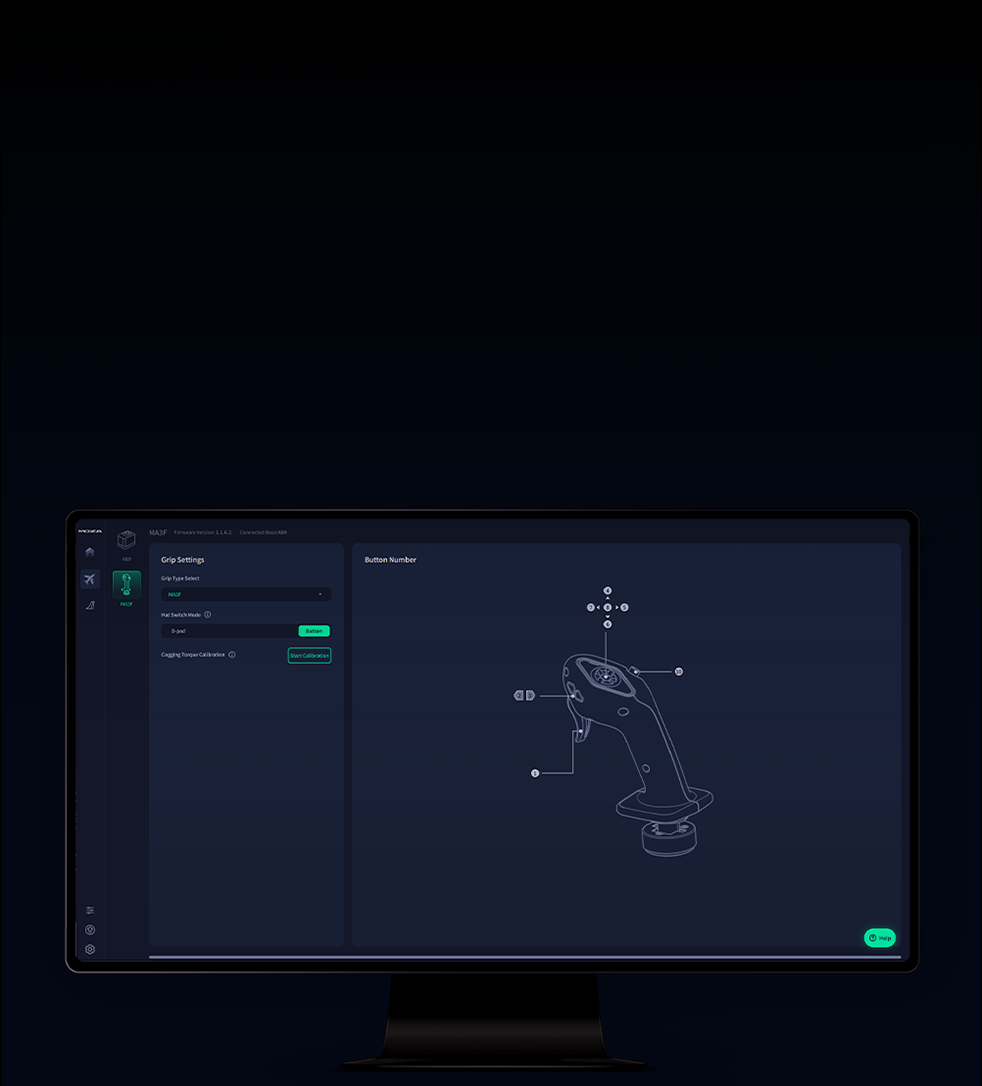
The officially licensed MOZA Airbus MA3F Sidestick recreates the left-hand sidestick used from the Airbus captain’s seat. It features nine mappable button inputs, a removable five-way hat switch with a magnetic cover, and a lightweight, rigid composite grip. Compatible with MOZA AB6 and AB9 bases via a 5-pin aviation connector, with button mapping through MOZA Cockpit.
Complete Your Flight Setup
Dispatched within 10 business days
Delivery estimate at checkout
14-tägiges Rückgaberecht
Passt gut zu
MOZA Airbus MA3F Sidestick
Dispatched within 10 business days
Delivery estimate at checkout
Bei Fragen kannst du uns jederzeit gerne kontaktieren. Wir melden uns schnellstmöglich, werktags innerhalb von 24 Stunden, bei dir zurück.
-
Infos zum Versand
Nutze diesen Text, um die Fragen deiner Kunden möglichst ausführlich zu beantworten.
-
Rücksendungen & Garantie
Nutze diesen Text, um die Fragen deiner Kunden möglichst ausführlich zu beantworten.
-
Kontaktiere uns
Nutze diesen Text, um die Fragen deiner Kunden möglichst ausführlich zu beantworten.
At a Glance
TECHNISCHE DATEN
MOZA AIRBUS MA3F Sidestick
WAS IST ENTHALTEN
AIRBUS MA3F Sidestick *1
Magnetic Hat-Switch Cover
Hat-Switch Removal Tool
Locking Wrench
User Manual