Kit de retour haptique pour pédale MOZA
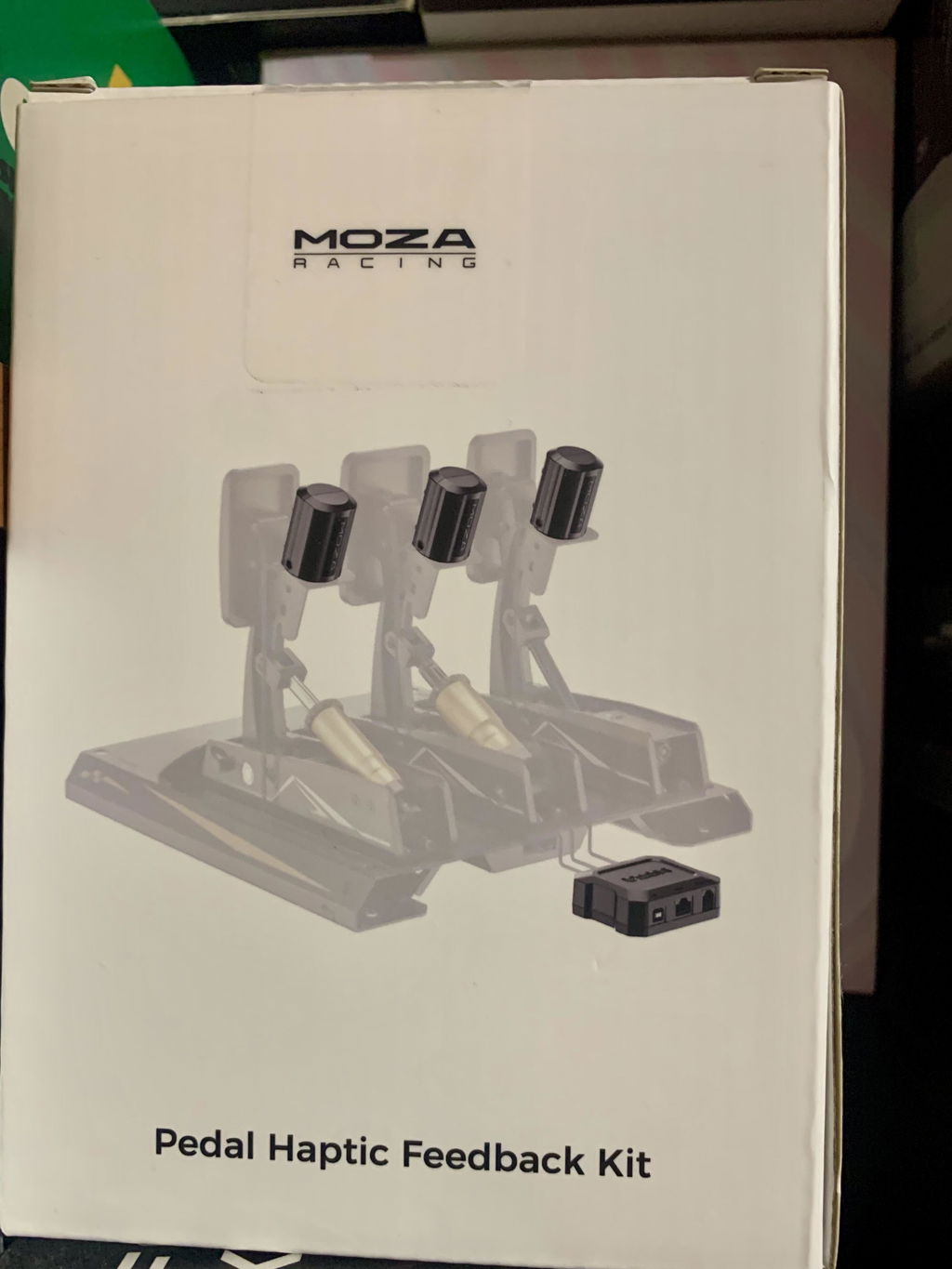
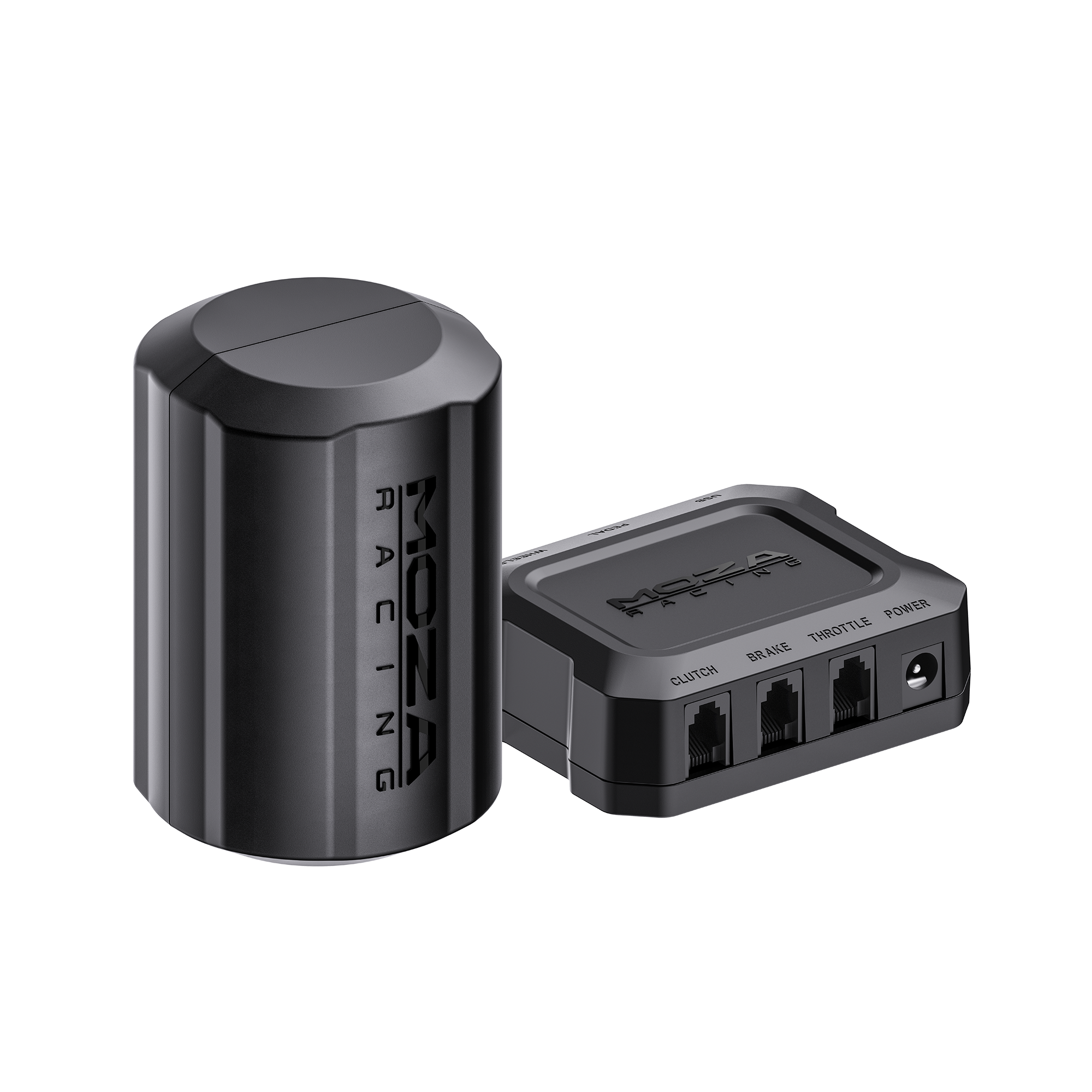
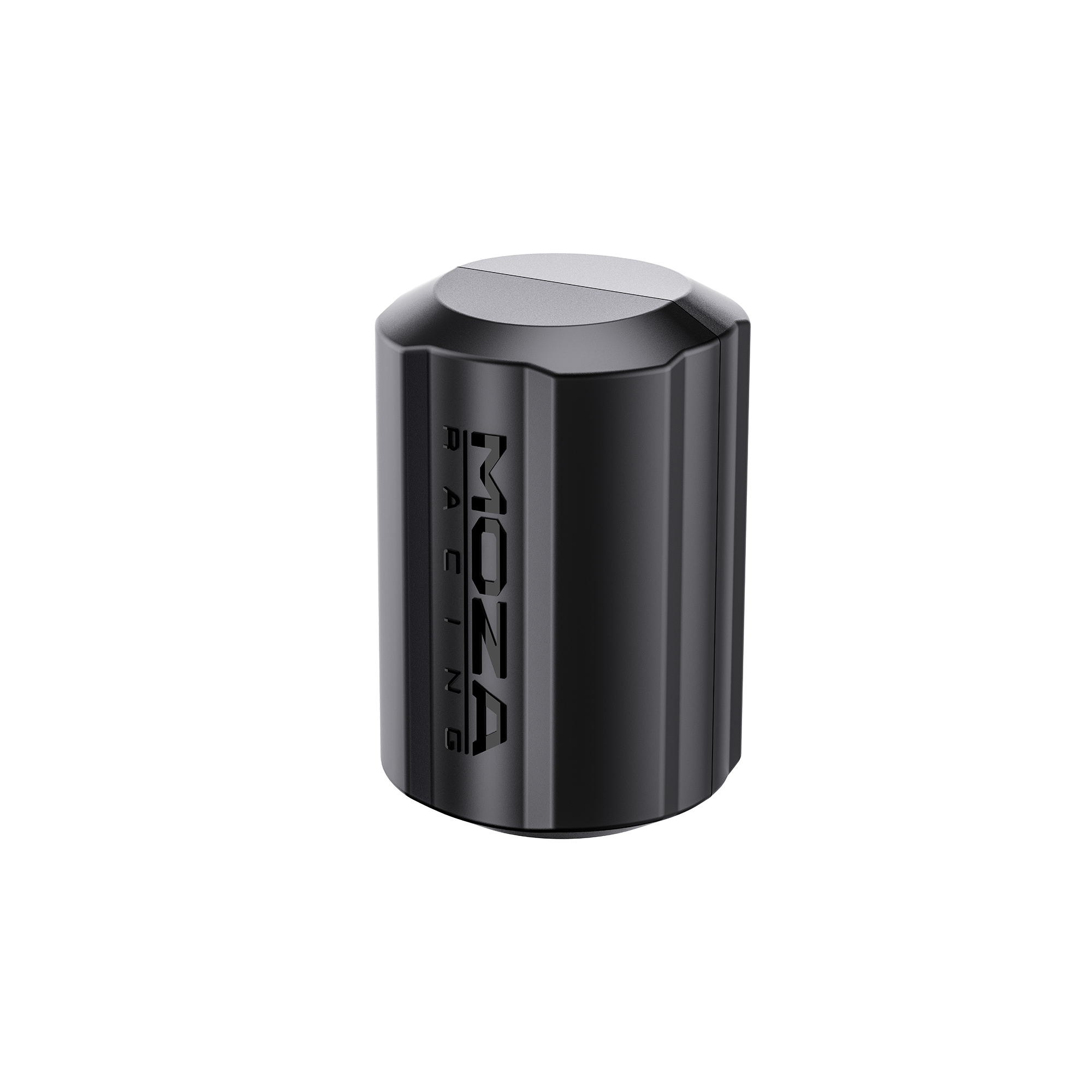
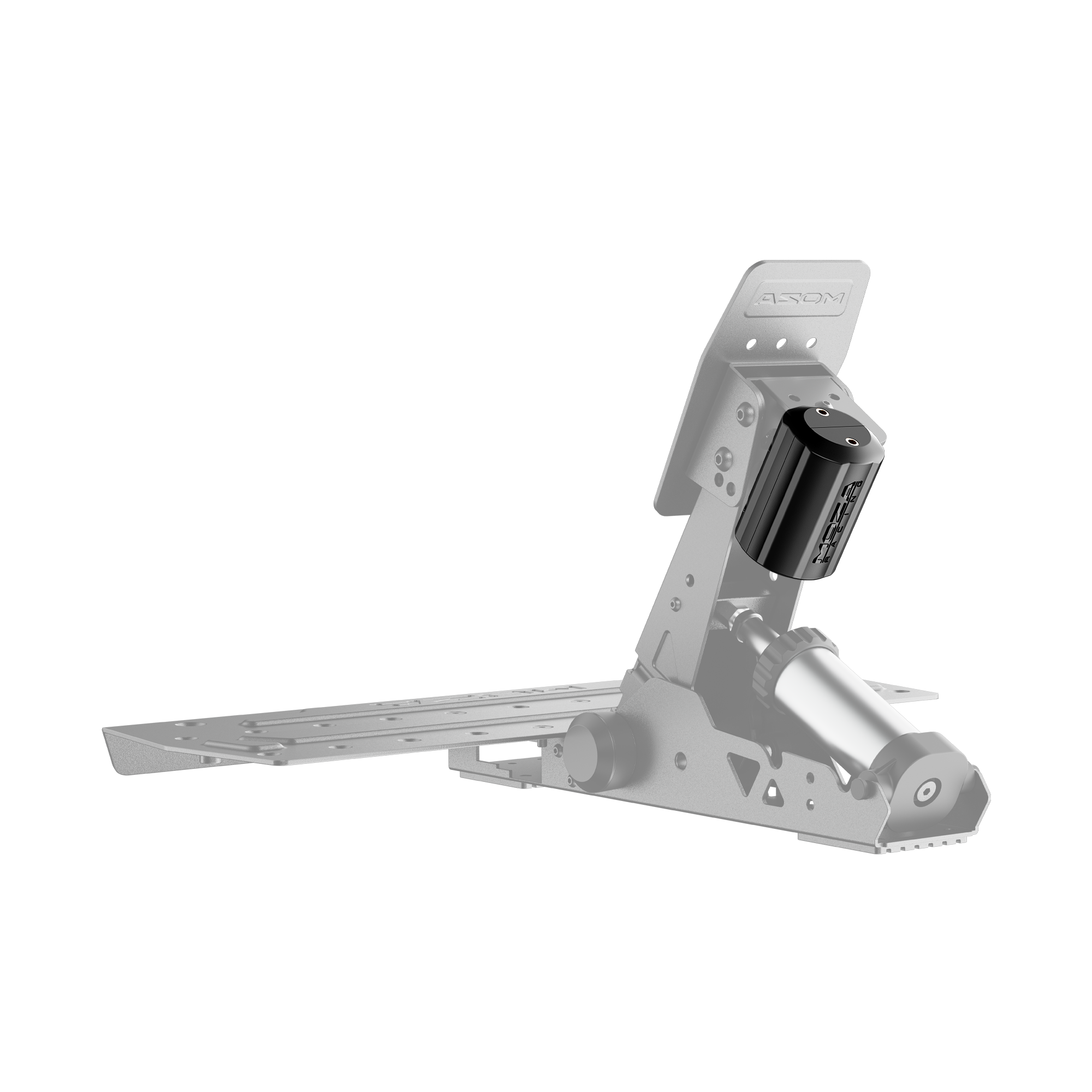
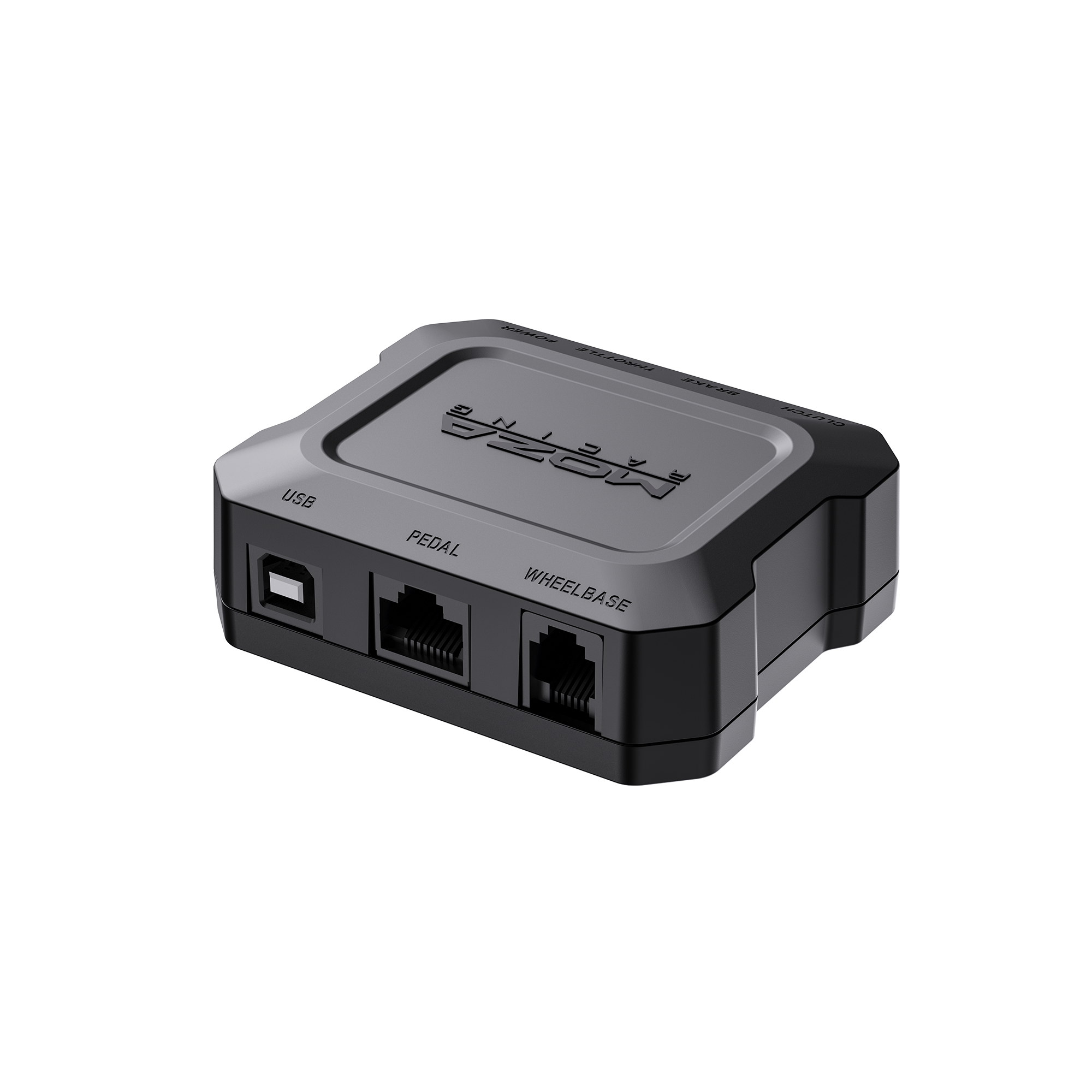
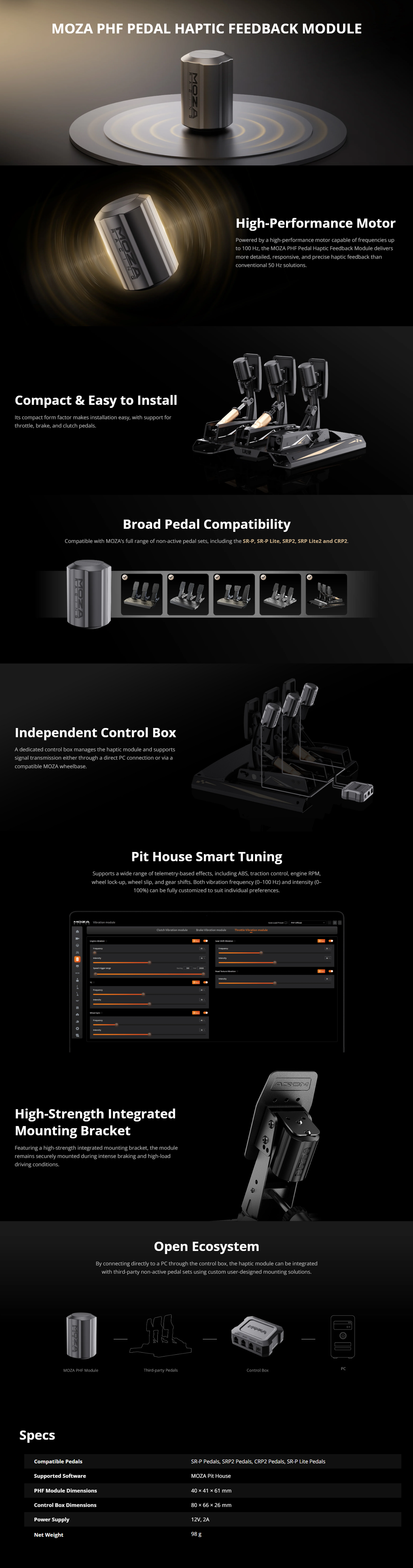
Apportez les retours essentiels du véhicule directement à vos pédales avec le kit de retour haptique pour pédale MOZA. Ce kit comprend un module de retour haptique pour pédale MOZA PHF et une boîte de contrôle, offrant un retour précis et personnalisable de 0 à 100 Hz pour l’ABS, le contrôle de traction, le régime moteur, le blocage des roues, leur patinage et les passages de rapport.
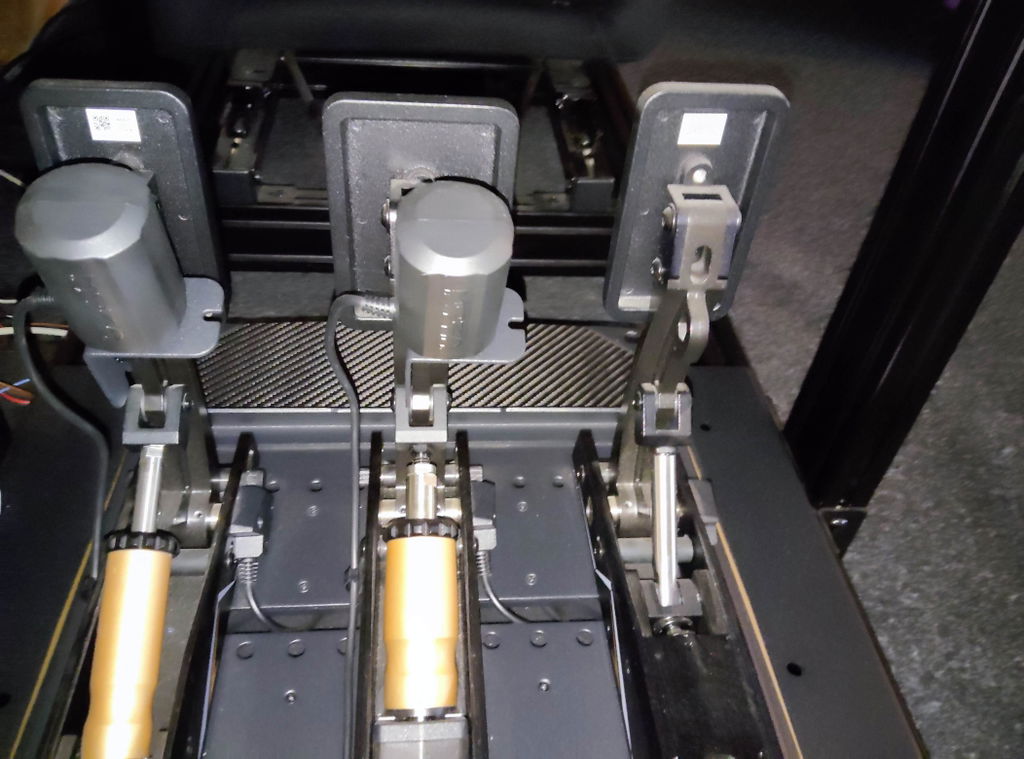
Connectez la boîte de contrôle directement à un PC ou via une base moteur MOZA compatible. Le module PHF prend en charge les pédales MOZA SRP, SRP Lite, SRP2 et CRP2. Les pédaliers tiers non actifs peuvent également être pris en charge via une connexion PC directe avec des solutions de montage conçues par l’utilisateur.
Expand Your Pedal Haptic Feedback Setup
Estimated dispatch: Mid-October 2026
Retours sous 14 jours
Complétez avec
Kit de retour haptique pour pédale MOZA
Estimated dispatch: Mid-October 2026
Pour toute question, n'hésitez pas à nous contacter. Nous vous répondrons dans les meilleurs délais.
-
Informations de livraison
Délais habituels :
- Traitement : 3 à 5 jours ouvrés
- Livraison : 7 à 12 jours ouvrés
- Transporteur : DHL / UPS / FedEx / EMS
Numéro de suivi envoyé par e-mail après expédition.
Taxes incluses — aucun frais caché.
*Les délais de livraison peuvent varier selon le produit. Consultez la page du produit pour plus de détails.
-
Retours & garantie
- Retours sous 14 jours — remboursement intégral, article non utilisé et dans son emballage d'origine
- Défaut de fabrication : nous prenons en charge tous les frais de retour et de remplacement
- La couverture de garantie varie selon le produit ; le corps principal est garanti jusqu'à 24 mois
-
Nous contacter
- [email protected]
Réponse sous 24 heures les jours ouvrés - Vous préférez trouver la solution vous-même ?
→ Rendez-vous au Centre d'assistance
Manuels, dépannage, guides de configuration des jeux
- [email protected]
CARACTÉRISTIQUES
MOZA Pedal Haptic Feedback Kit
Installation & Setup Guide
CONTENU DE LA BOÎTE
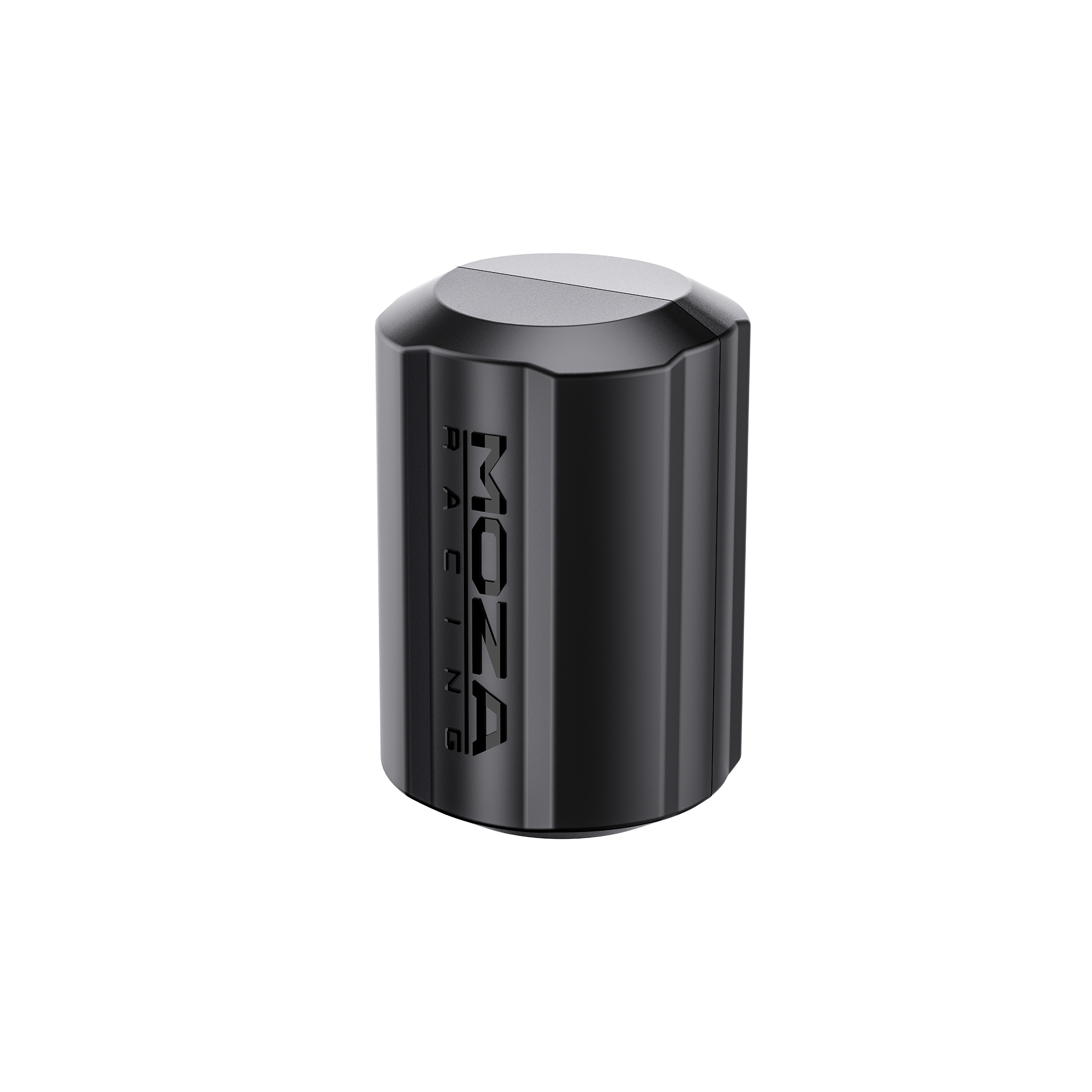
MOZA PHF Pedal Haptic Feedback Module × 1
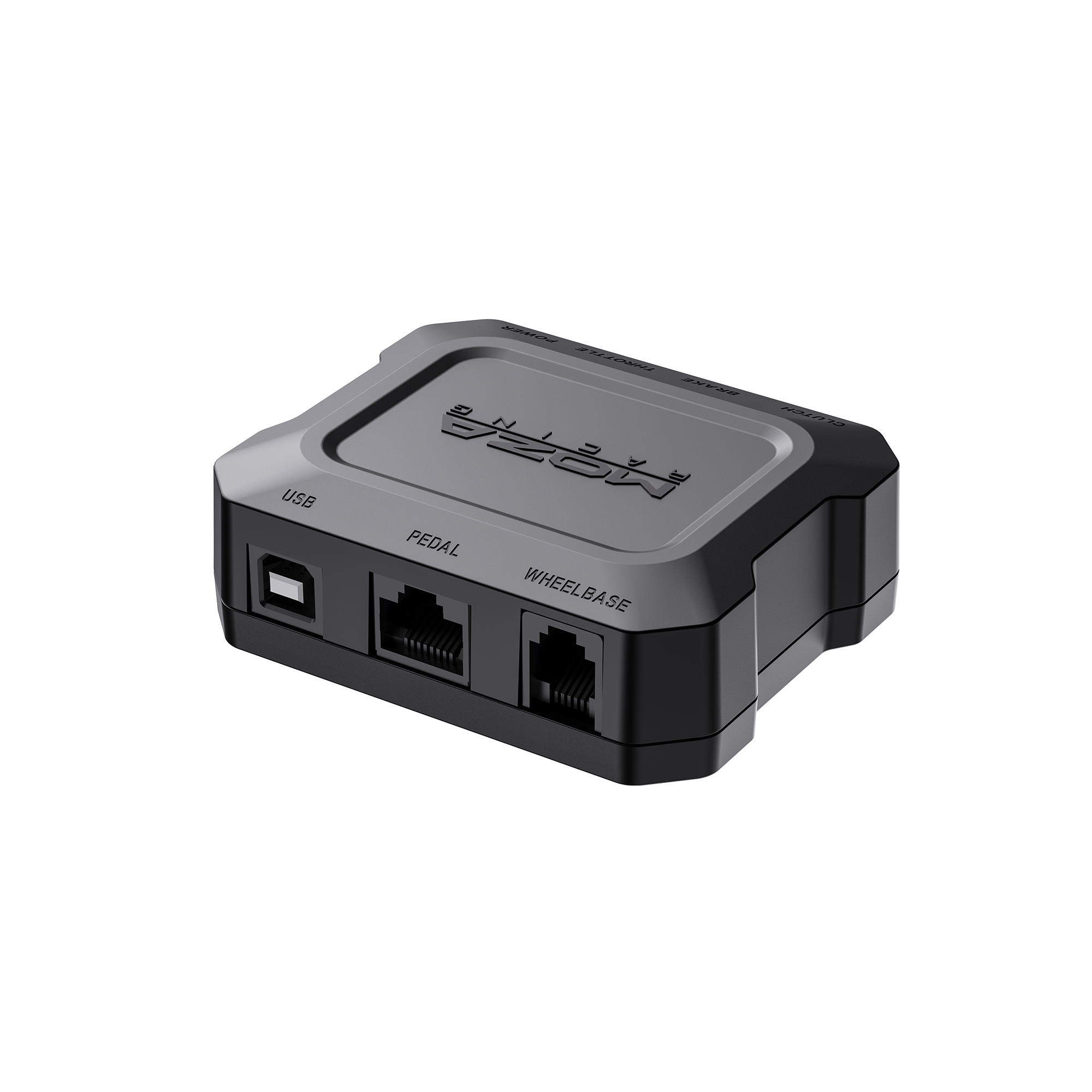
MOZA PHF Control Box × 1
Power Adapter × 1
USB Cable × 1
RJ11 Cable × 1
RJ45 Cable × 1